I have been very interested in computers since I was a young kid and have been custom building computers for the last 15 years. I have built more than 10 for myself and countless more for friends, coworkers, or friends of friends.
Building your own computer offers a high level of customization that simply isn’t possible with most prebuilt systems. You can choose each component based on your specific needs, whether that means prioritizing gaming performance, creative work, or everyday productivity. This flexibility allows you to get better value for your budget by spending more on the parts that matter most to you and less on those you don’t need. In addition, building your own PC gives you full control over aesthetics, from the case design to lighting and cable management.
Another major benefit is the knowledge and confidence you gain from the process itself. Assembling a computer helps you better understand how hardware works together, making future upgrades, repairs, and troubleshooting much easier. Custom-built computers are also easier to upgrade over time, which can extend the system’s lifespan and save money in the long run. Overall, building your own computer can be both a rewarding learning experience and a practical way to create a system tailored perfectly to your needs.
There are SEVEN main pieces of hardware when building a computer. Those components are...
- CPU
- GPU
- Motherboard
- Memory
- Storage
- PSU
- Case
Though some computers will only have SIX if the machine has a CPU with integrated graphics.
CPU (Central Processing Unit)
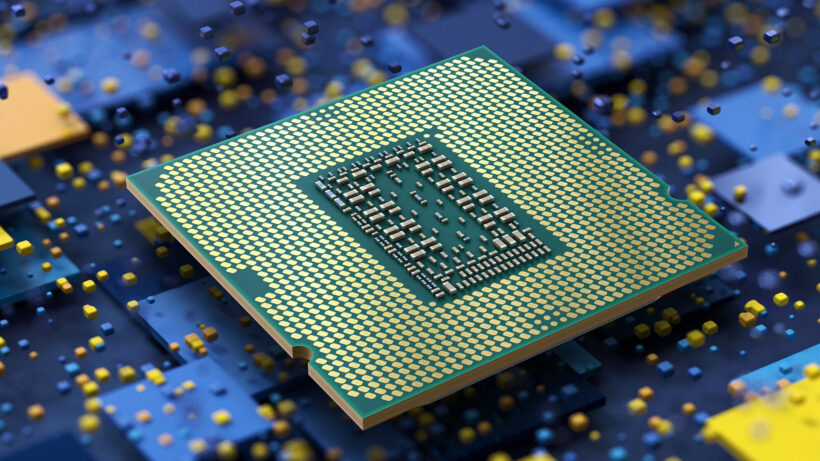
The CPU is the “brain” of the computer and is responsible for processing instructions and performing calculations. It handles tasks such as running programs, managing system operations, and coordinating communication between hardware components. A faster and more efficient CPU helps improve overall system performance.
GPU (Graphics Processing Unit)
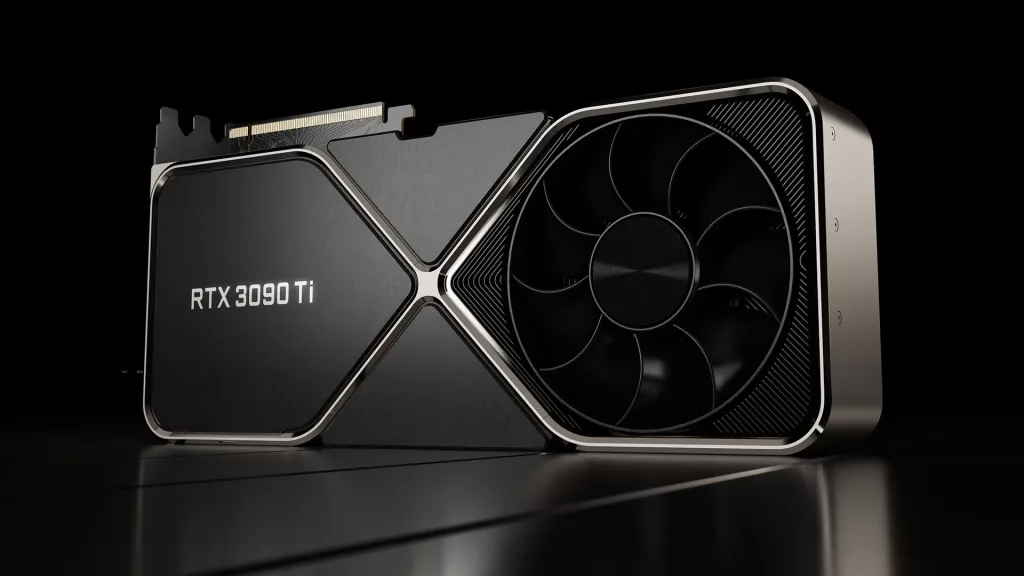
The GPU is responsible for rendering images, videos, and graphics on the screen. It is especially important for gaming, video editing, 3D modeling, and other graphics-intensive tasks. Dedicated GPUs offer significantly better performance than integrated graphics.
Motherboard
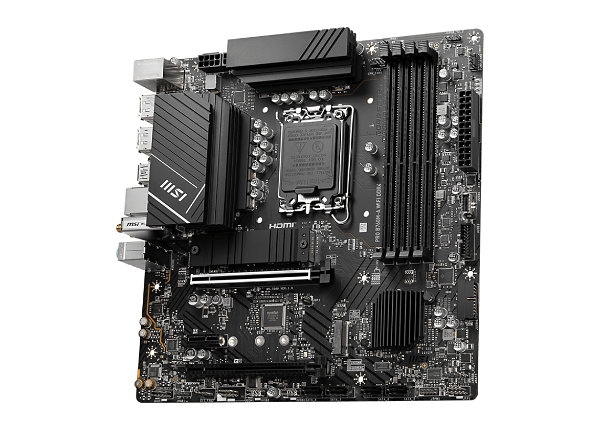
The motherboard is the main circuit board that connects all components of the computer. It allows the CPU, memory, storage, and other hardware to communicate with each other. The motherboard also determines compatibility with components and provides expansion options.
Memory (RAM)
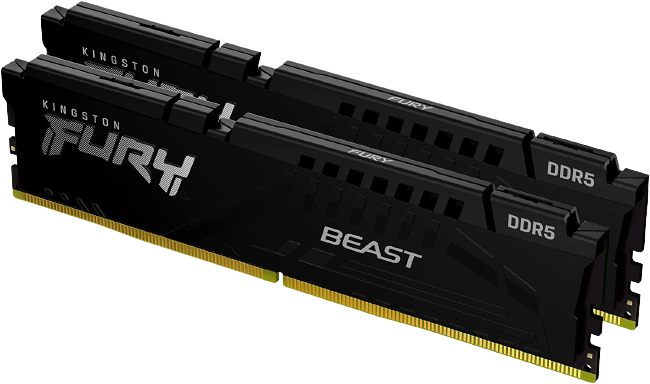
Memory, also known as RAM, temporarily stores data that the computer is actively using. More RAM allows a system to run multiple programs smoothly at the same time. It plays a key role in system responsiveness and multitasking performance.
Storage
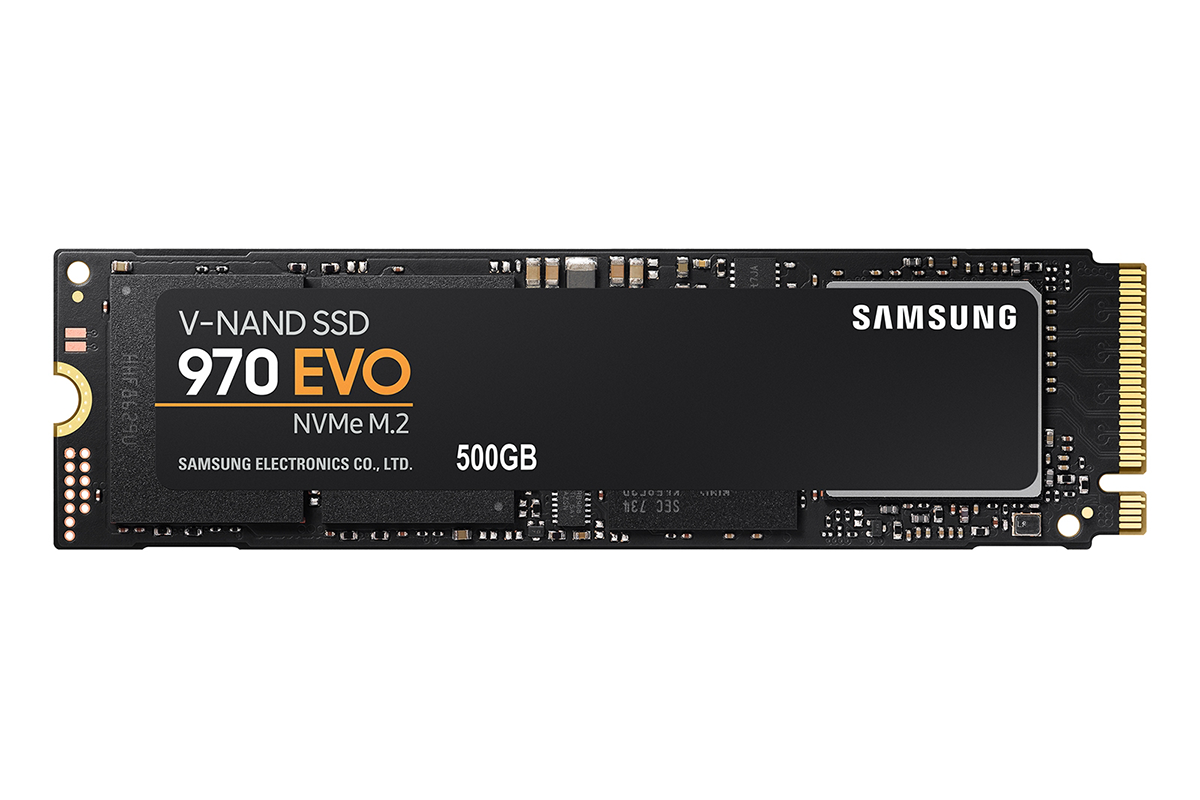
Storage is where the operating system, applications, and files are permanently saved. Common types include solid-state drives (SSDs) and hard disk drives (HDDs). Faster storage improves boot times and application loading speeds.
PSU (Power Supply Unit)
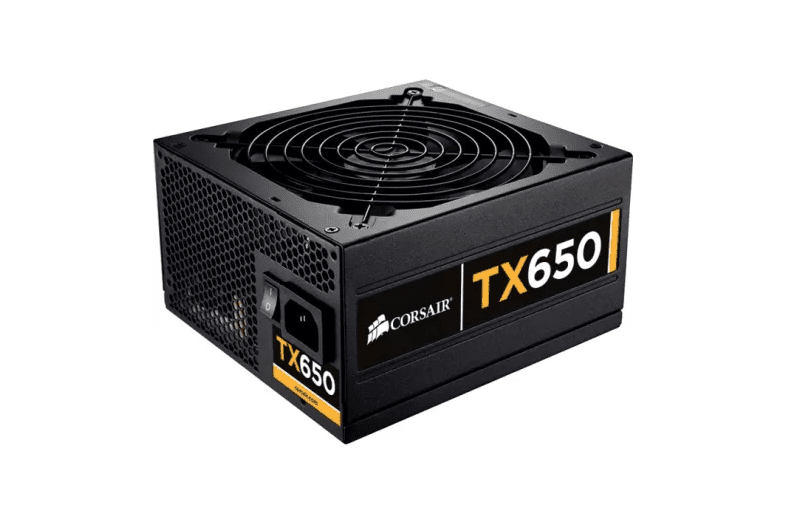
The PSU provides power to all the components in the computer. It converts electricity from the wall outlet into usable power for the system. A reliable PSU is essential for system stability and component safety.
Case
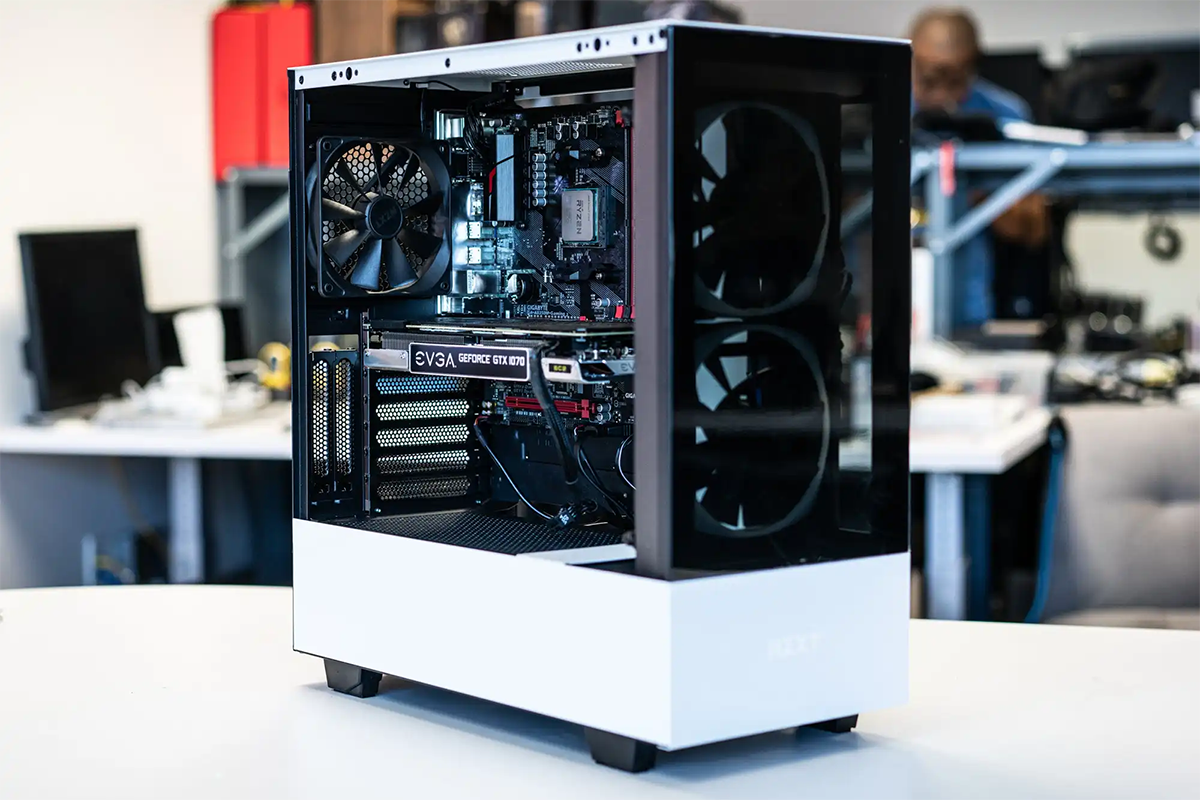
The case houses and protects all the computer components. It also plays a role in airflow and cooling, helping keep the system at safe temperatures. Cases come in various sizes and designs, allowing for customization and aesthetic appeal.